Key Takeaways
- Basic computer skills help you stay close to family, manage daily tasks, and reach healthcare providers from home.
- Start with the hardware, then move on to files, photos, and programs.
- Browsing, email, and online accounts open up shopping, bill paying, and easy communication.
- Strong passwords and scam awareness keep you safe online.
- Free classes and friendly group settings make learning enjoyable.
Why Computer Skills Open New Doors for You
You want to see your grandchild’s latest photos. Or perhaps to pay a bill without leaving home. How about sending a quick note to an old friend? A computer puts all of that within reach. At Bay Lake, part of Retirement Unlimited, Incorporated (RUI), we understand that the screen can feel a little intimidating at first. The truth is, the steps are simpler than they look.
Learning basic computer skills helps you handle everyday tasks and stay connected. It also lets you reach important services right from home.
Why Computer Skills Matter for You Today
A computer is more than a screen. It’s a doorway to the people who light up your day and tasks that fill your week.
Here’s what computer skills can do for you:
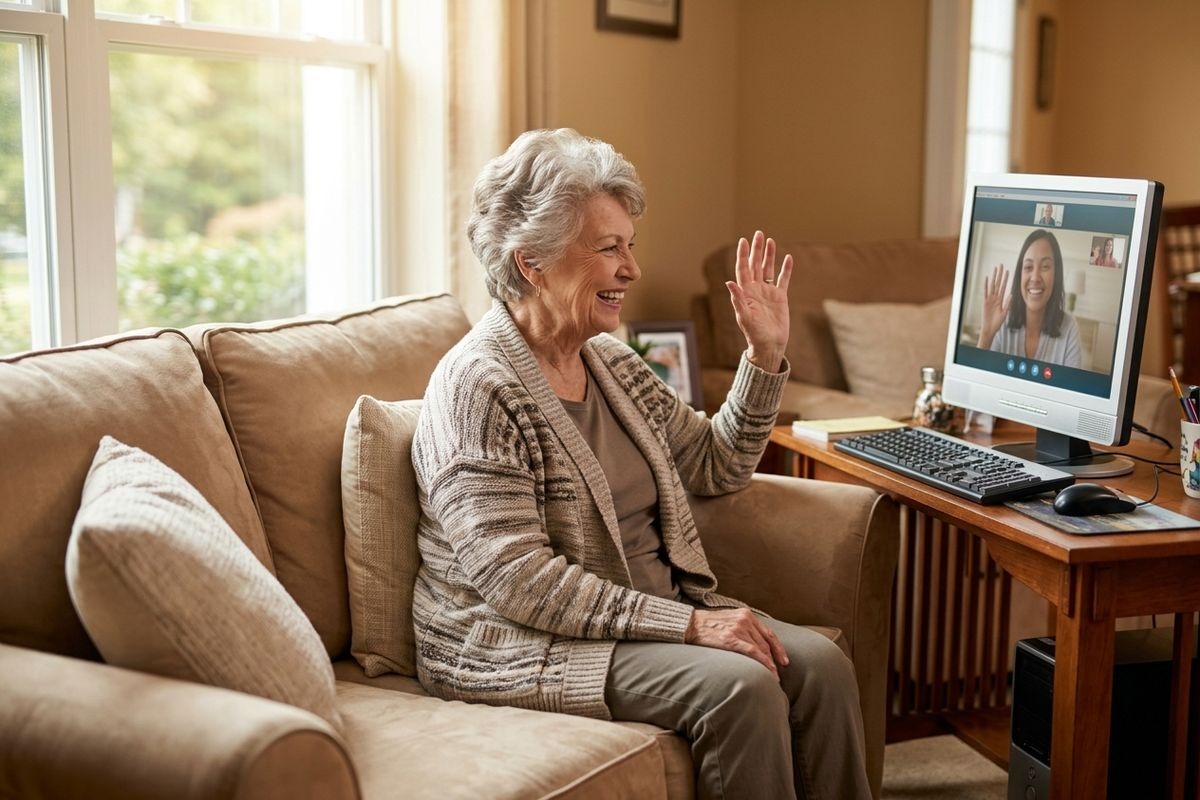
- Stay connected with family and friends through messages, photos, and video calls.
- Handle daily tasks like banking, shopping, and reminders without leaving home.
- Reach healthcare providers online to book appointments or view results.
Five Basic Computer Skills to Start with
Every skill builds on the one before it. Take your time, and soon you’ll get a hold of the basics.
Get Comfortable with the Hardware
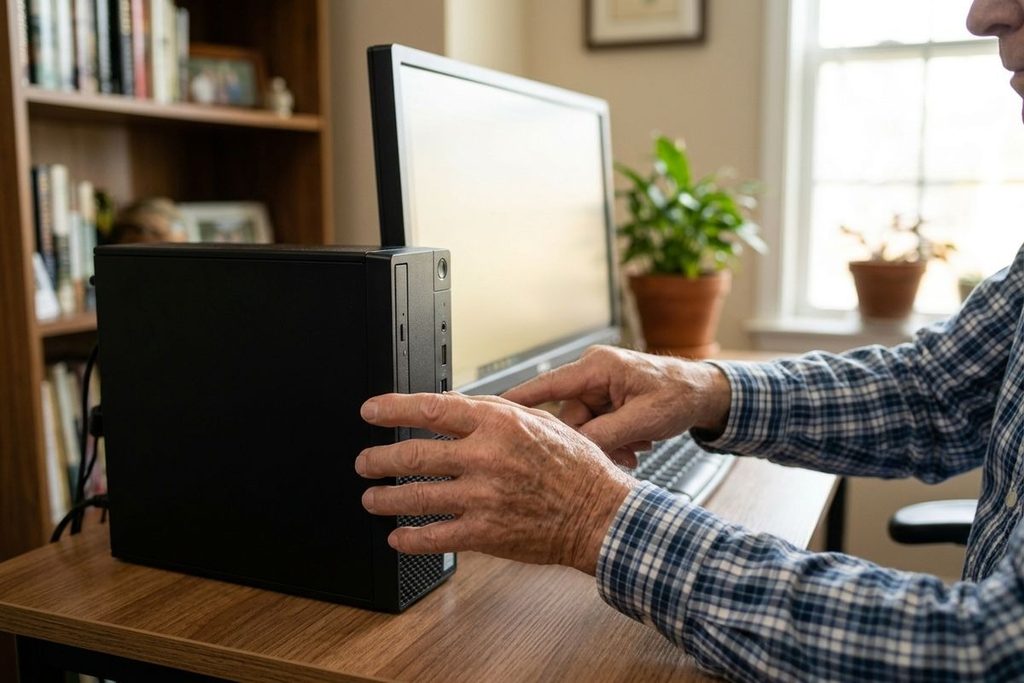
The parts of a computer are easy to identify once you learn them. The mouse moves the arrow on your screen. The keyboard types your words. The monitor shows you everything.
Start by turning your device on using the power button. Then practice connecting a few cables, like the ones that power the monitor or charge a laptop. Handle each piece at your own pace. There’s no rush.
Manage Files, Photos, and Software
Once you’re comfortable with the parts, you can move on to the next step. Knowing what files and folders are can help you keep things organized. A file comes in many forms. It could be a document, photo, or note saved on your computer.
Try these small habits to stay tidy:
- Save your files with clear names so you can find them later.
- Store and view photos in one folder, like a digital album.
- Only keep essential software shortcuts on the desktop.
How to Navigate the Internet with Ease
The internet can connect you to nearly everything, from recipes to your bank. Two skills unlock most of it. And both are easy to pick up.
Browse and Search the Web
A browser is what takes you online. You type a question or website into the bar at the top, then press enter. Within seconds, you’ll see a screen full of answers.
A few touches make browsing smoother:
- Open a browser and type a word or question to search.
- Bookmark websites you visit often so you can skip the typing.
- Use larger text settings to keep words easy on your eyes.
Send Email and Use Online Accounts
Email services let you write and read messages anytime, like a letter that arrives in seconds. You can attach a photo, reply to family, or keep up with appointments.
Online accounts take things further. You can log into a personal account and shop for what you need. You can also pay bills with a few clicks. Each account uses a username and a password, and that helps keep your information private.
Simple Ways to Stay Safe Online
Safety online comes down to a few steady habits. Once you know them, you can browse with added peace of mind.
Keep these practices close:
- Create strong passwords that mix letters, numbers, and symbols. Store the passwords you created in a safe spot.
- Spot scams in emails and texts, such as messages that rush you or ask for personal details.
- Keep your software up to date, since updates patch weak points.
- Pause before clicking links, even from senders you recognize.
When something feels off, step away and ask someone you trust. A second opinion can save you a headache.
Where to Practice and Keep Learning
The more you practice, the more natural it all feels. Plenty of friendly options can help you grow at your own pace.
Free Resources and Classes
You don’t have to figure things out alone. Many tools are made for beginners.
- Interactive tutorials walk you through each step on screen.
- Local learning centers for older adults offer hands-on lessons.
- Practice on your own device a little each day to build comfort.
Learn Alongside Your Community
Learning is more fun with company. At RUI University, you can take free technology classes that cover the skills in this guide and more. The friendly group setting encourages questions and growth. That way, no one feels left behind.
You’ve earned a lifestyle where help is close and connection comes easy. Our team at Bay Lake by RUI in Virginia Beach can support you and your needs. Schedule a tour today and explore everything that awaits you.